Scan dates with your camera
Point your camera at a label and ExpiresBy reads the expiry date for you with on-device text recognition — no typing required.
ExpiresBy keeps track of expiry dates for food, medicine, cosmetics, supplements, and baby products. Scan a date with your camera, and get a gentle reminder before anything goes to waste.
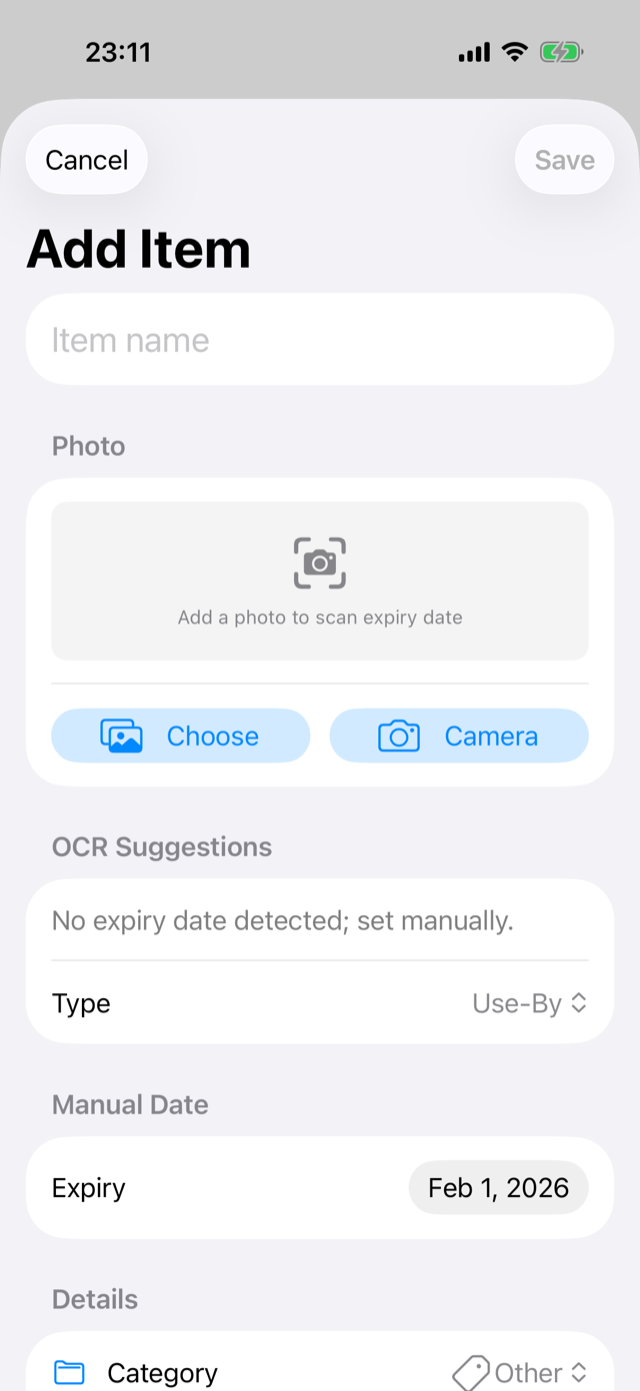
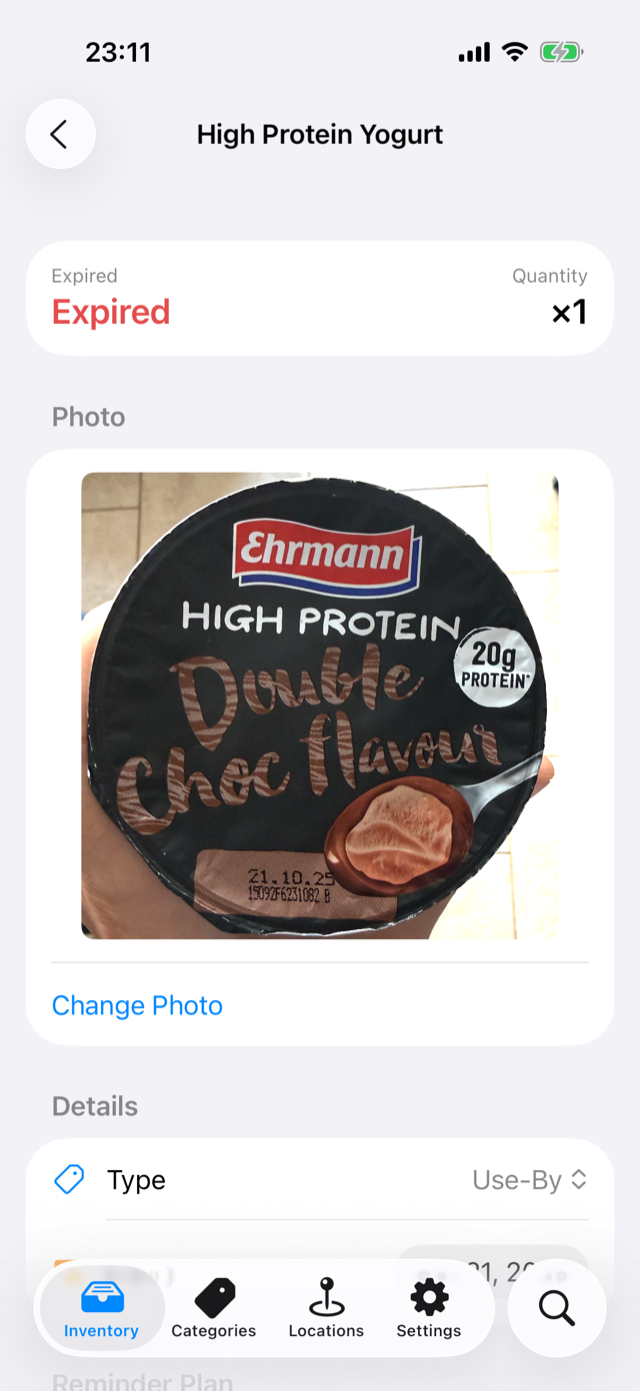
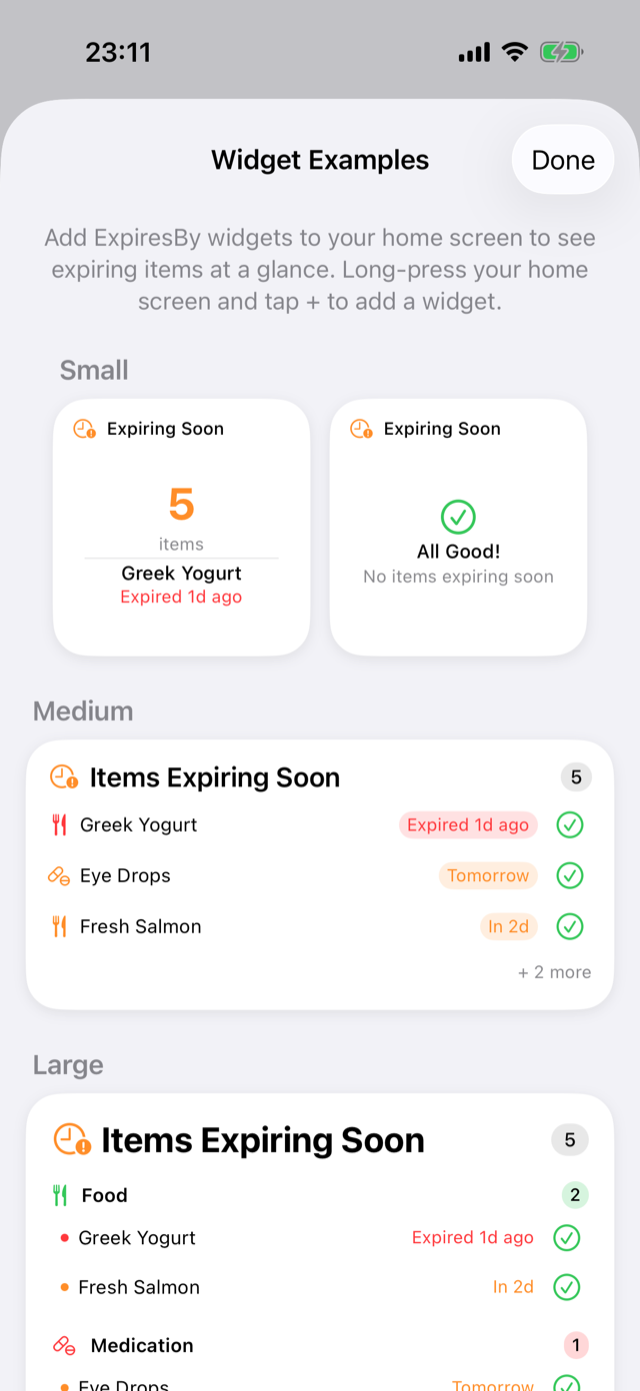
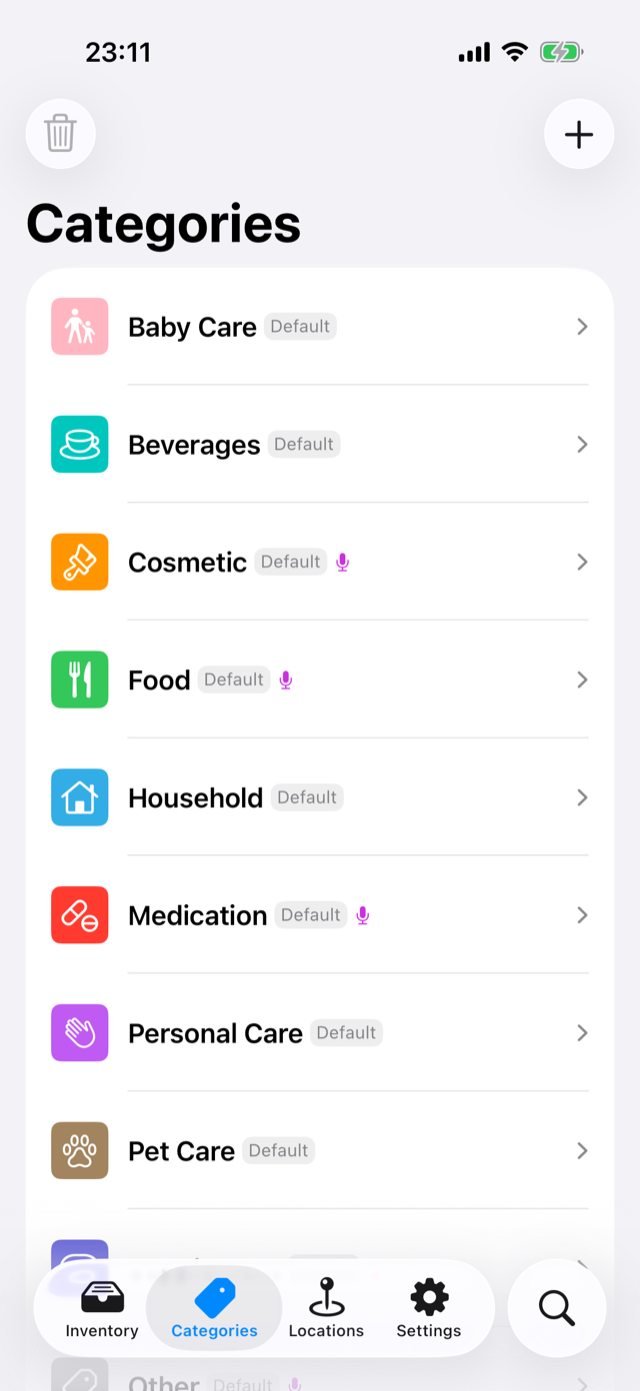
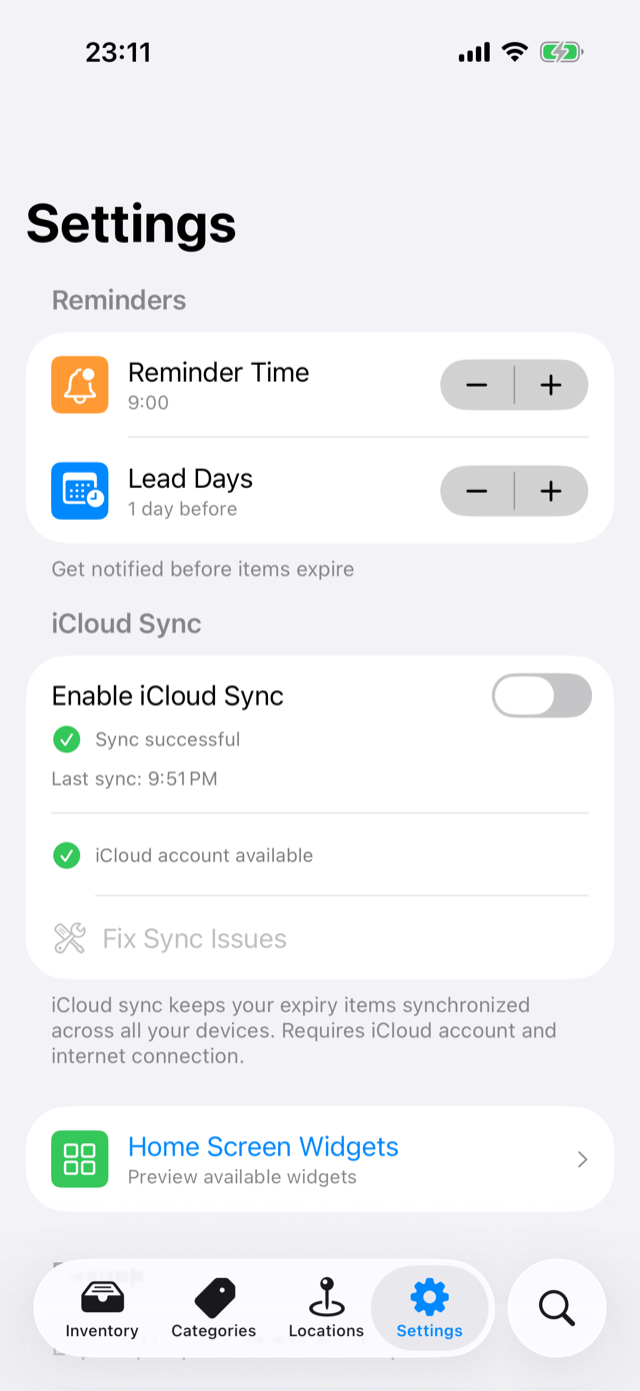
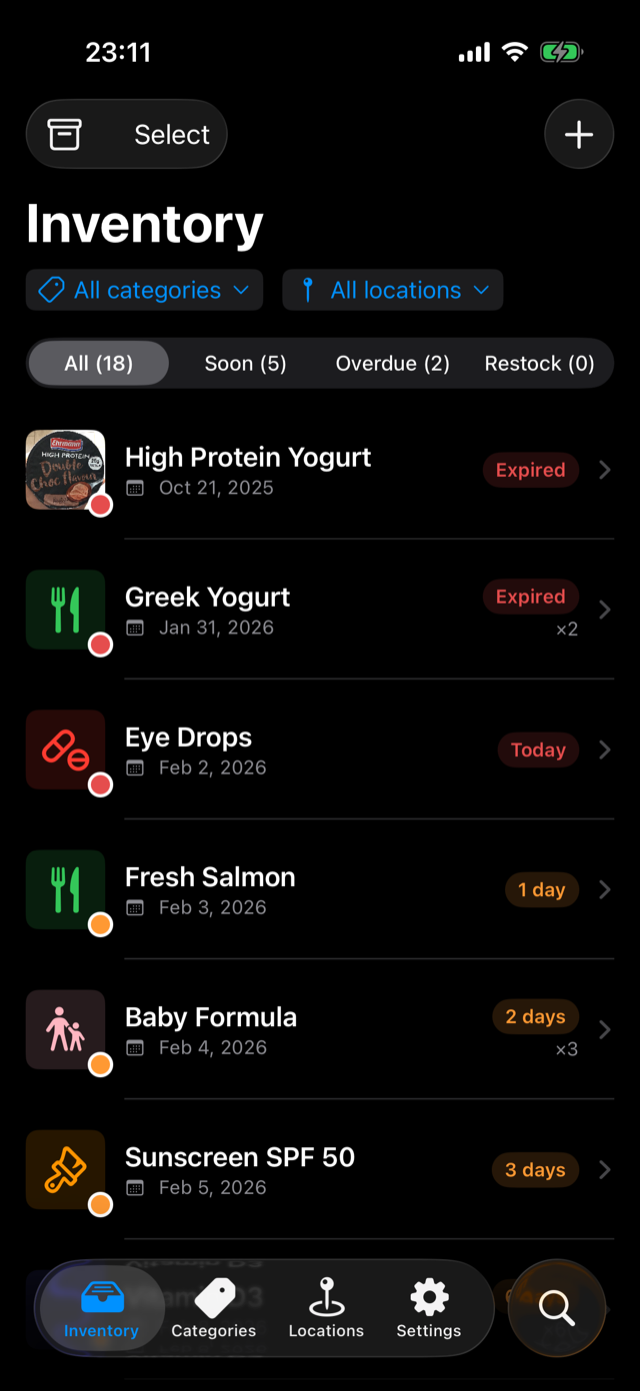
Point your camera at a label and ExpiresBy reads the expiry date for you with on-device text recognition — no typing required.
Get notified days before something expires — or the morning of. Set your own reminder timing so nothing slips past you.
Sort items by type — food, meds, cosmetics, baby — and by where they live: fridge, freezer, pantry, or anywhere you like.
Keep an "expiring soon" list on your Home Screen, mark items opened right from the widget, and add items hands-free with Siri.
Everything runs on your device. No account, no cloud, no analytics, no tracking. Your inventory never leaves your iPhone.
Export your whole inventory to a single file and bring it back anytime — through Files, AirDrop, or iCloud Drive. You stay in control.
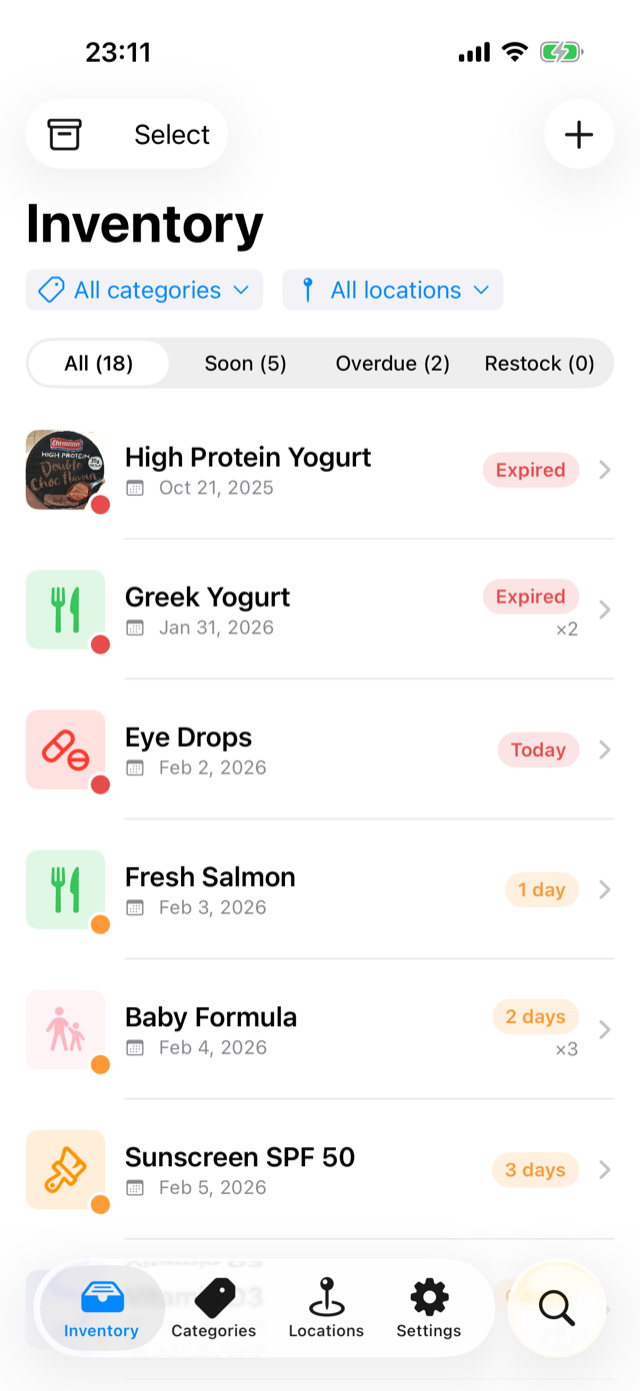
ExpiresBy gives every item a clear status so you always know what to use first. Green is good, amber means soon, red means act now — no date math in your head.
Plenty of time
Use it up
Toss or restock
Scan the date with your camera or type it in. Pick a category and where it's stored.
ExpiresBy sorts everything by expiry and colors each item so the urgent stuff floats to the top.
A timely notification means you use things up, restock what matters, and waste less.
ExpiresBy was built offline-first on purpose. There's no sign-up, no cloud account, and no analytics SDK watching what you add. Date scanning happens with Apple's on-device text recognition — photos never leave your iPhone.
Yes — ExpiresBy is completely free. There are no in-app purchases, no subscriptions, and no ads. Every feature, including camera scanning and reminders, is included.
Yes. ExpiresBy is fully offline. There's no account and no server — everything, including date scanning and reminders, works on your device with no connection.
Anything with an expiry or best-before date: groceries and fresh food, medicine, cosmetics and skincare, supplements, and baby products. You can also create your own categories.
Point your camera at a printed date and ExpiresBy uses Apple's on-device text recognition to read and suggest it. The image is processed locally and never uploaded anywhere.
No. ExpiresBy has no analytics, no tracking, and no account. Your inventory stays on your iPhone. See our Privacy Policy for the full details.
Yes. Use Backup in Settings to export your whole inventory to a file, then import it on another device through Files, AirDrop, or iCloud Drive.
Track expiry dates, waste less, and always know what to use first.
Free on iPhone and iPad. No account required.